

- Retrieve transactions by balance (each balance is linked to transactions in a specific currency). Transactions include:
- Payments, including the fees charged by the payment provider
- Refunds, including the fees charged by the payment provider
- Payouts (outgoing transfers to the merchant’s bank account)
- These transactions can be synchronized with the accounting system in 2 different ways:
- One accounting entry per transaction
- One accounting entry grouped by transaction type and period
Configuration of the sync & mappings
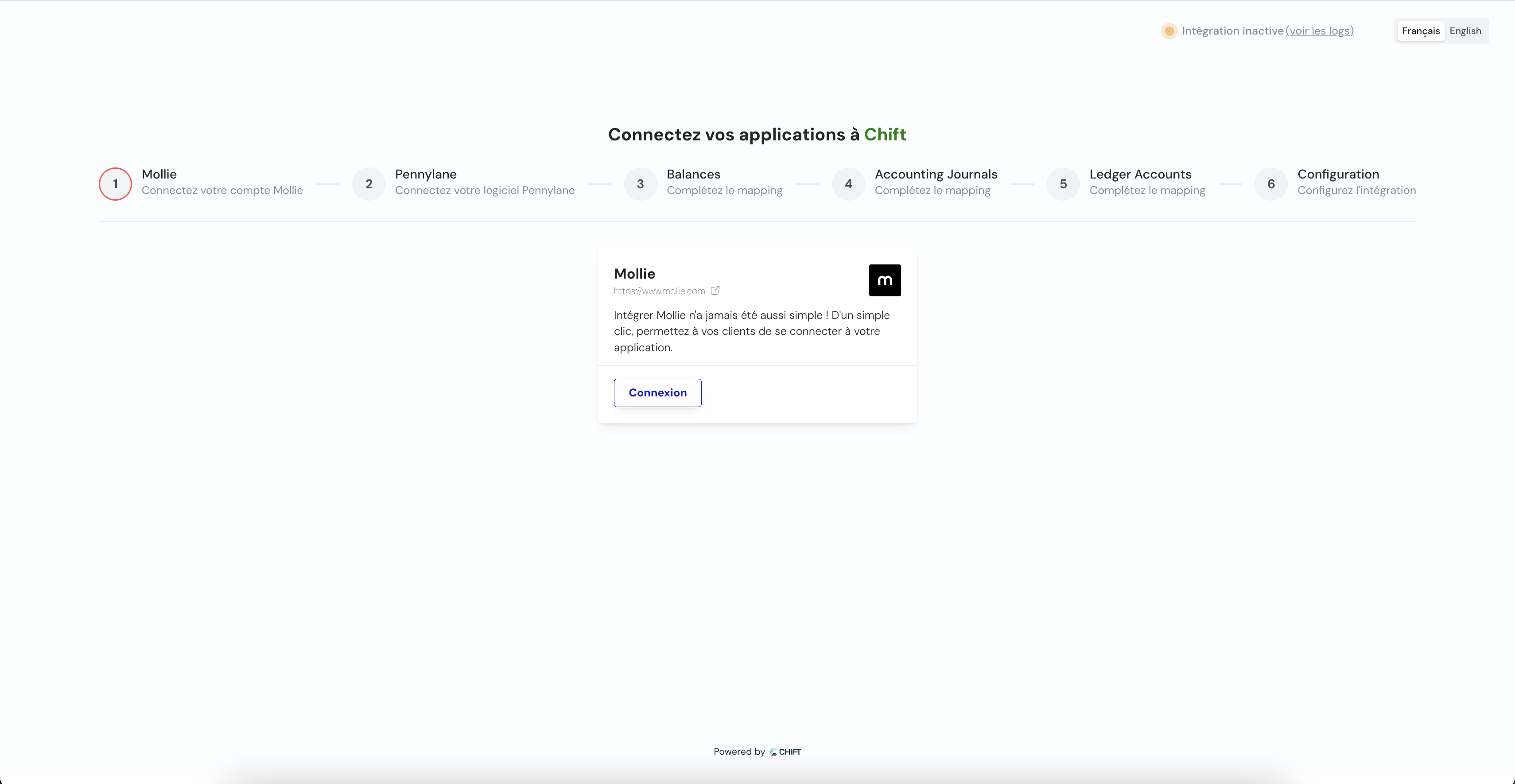
Mappings define how data from the payment software maps to the accounting software.1
Connect payment tool
Connect your payment tool through API key, credentials or OAuth2.
2
Connect accounting tool
Connect your accounting tool through API key, credentials or OAuth2.
3
Balances
Specify which balances you want to synchronize.
Reproduce this step by using the following API call(s) :
Reproduce this step by using the following API call(s) :
GET Retrieve all balances4
Accounting journals
Select your accounting journals for the synchronization.
Reproduce this step by using the following API call(s) :
Reproduce this step by using the following API call(s) :
GET journals5
Accounting accounts
Select default accounting accounts (client account, bank account, expense account, …) for the synchronization.
Reproduce this step by using the following API call(s) :
Reproduce this step by using the following API call(s) :
GET chart of accountsConfiguration
- This final step allows you to specify the synchronization start date: choice of the date from which payments are synchronized.
Synchronization starts automatically but you can choose:
- Each night (at 1 AM)
- Each Monday (at 1 AM)
- Each first day of the month (at 1 AM)
- Choose between one aggregated entry per period or one entry per invoice