

This sync will allow you to sync payments from payment software (e.g. Mollie, Stripe, Paypal, etc.) with accounting software.Documentation Index
Fetch the complete documentation index at: https://docs.chift.eu/llms.txt
Use this file to discover all available pages before exploring further.
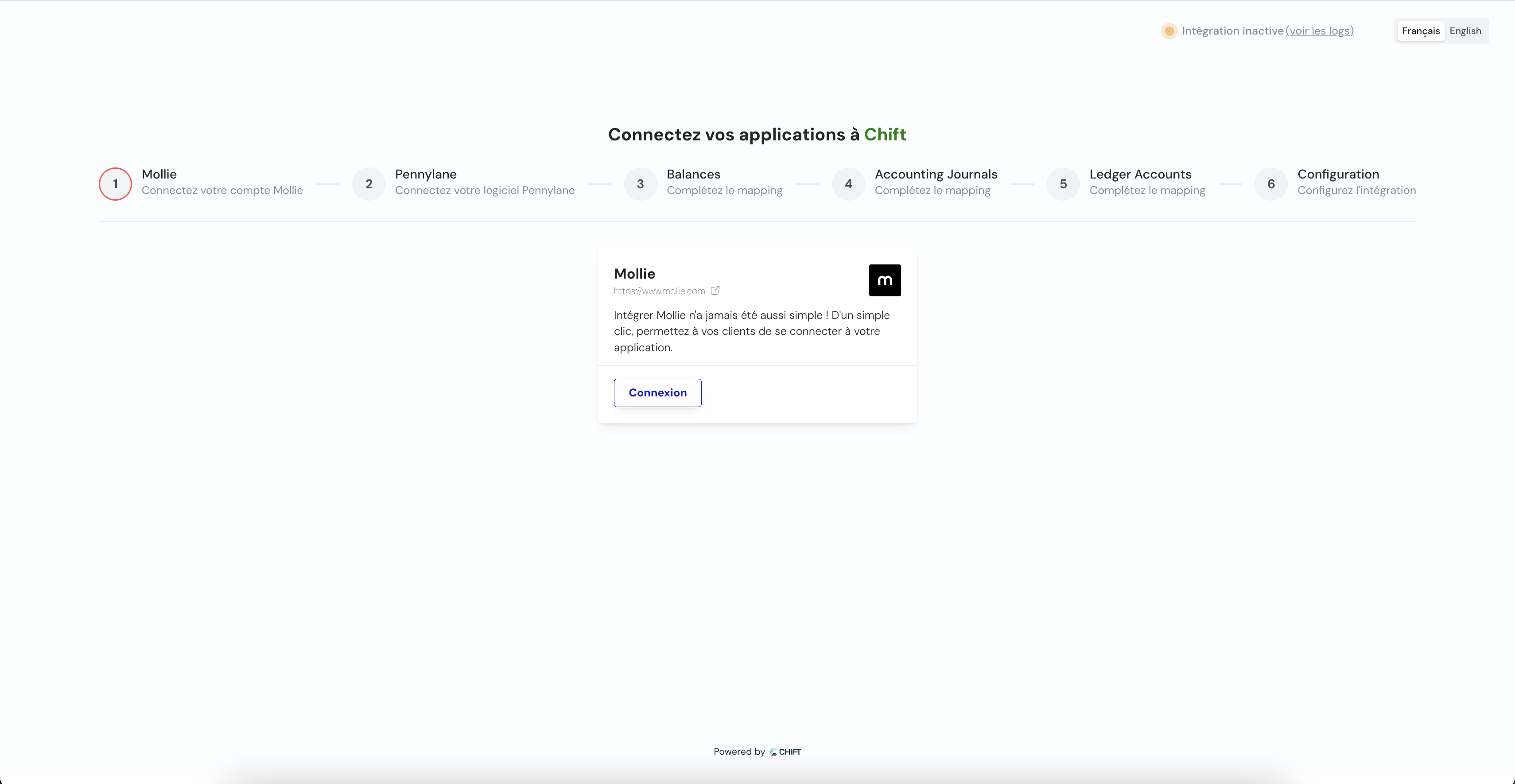
- Retrieve transactions by balance (each balance is linked to transactions in a specific currency)
- These transactions can be synchronised with the accounting system in 2 different ways:
- One accounting entry for each transaction
- One accounting entry grouped by transaction type and period
Configuration of the sync & mappings
Mappings are the way to map the data from the payment software to the accounting software.Connect payment tool
This step allows user to connect its payment tool through api key, credentials or oauth2.
Connect accounting tool
This step allows user to connect its accounting tool through api key, credentials or oauth2.
Balances
This step allows you to specify which balances you want to synchronise.
Reproduce this step by using the following API call(s) :
Reproduce this step by using the following API call(s) :
GET Retrieve all balancesAccounting journals
Here you are going to select your accounting journals for the synchronisation.
Reproduce this step by using the following API call(s) :
Reproduce this step by using the following API call(s) :
GET journalsConfiguration
- This final step allows you to specify the synchronization start date: choice of the date from which payments will be synchronized.
Synchronization starts automatically but you can choose:
- Each night (at 1 AM)
- Each monday (at 1 AM)
- Each first day of the month (at 1 AM)
- Choose between one aggregated entry per period or one entry per invoice